Homelab
Last updated: February 18, 2025
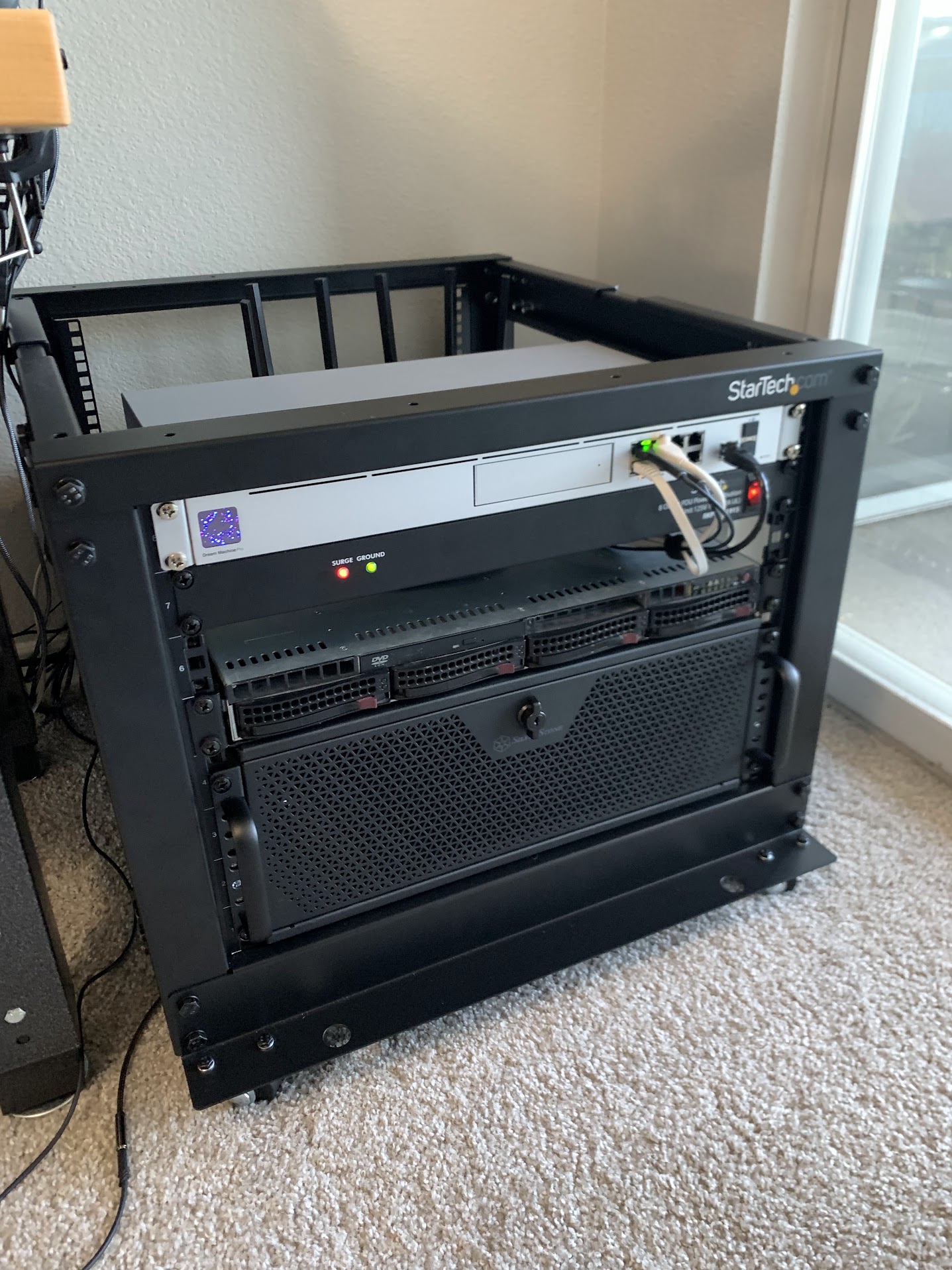
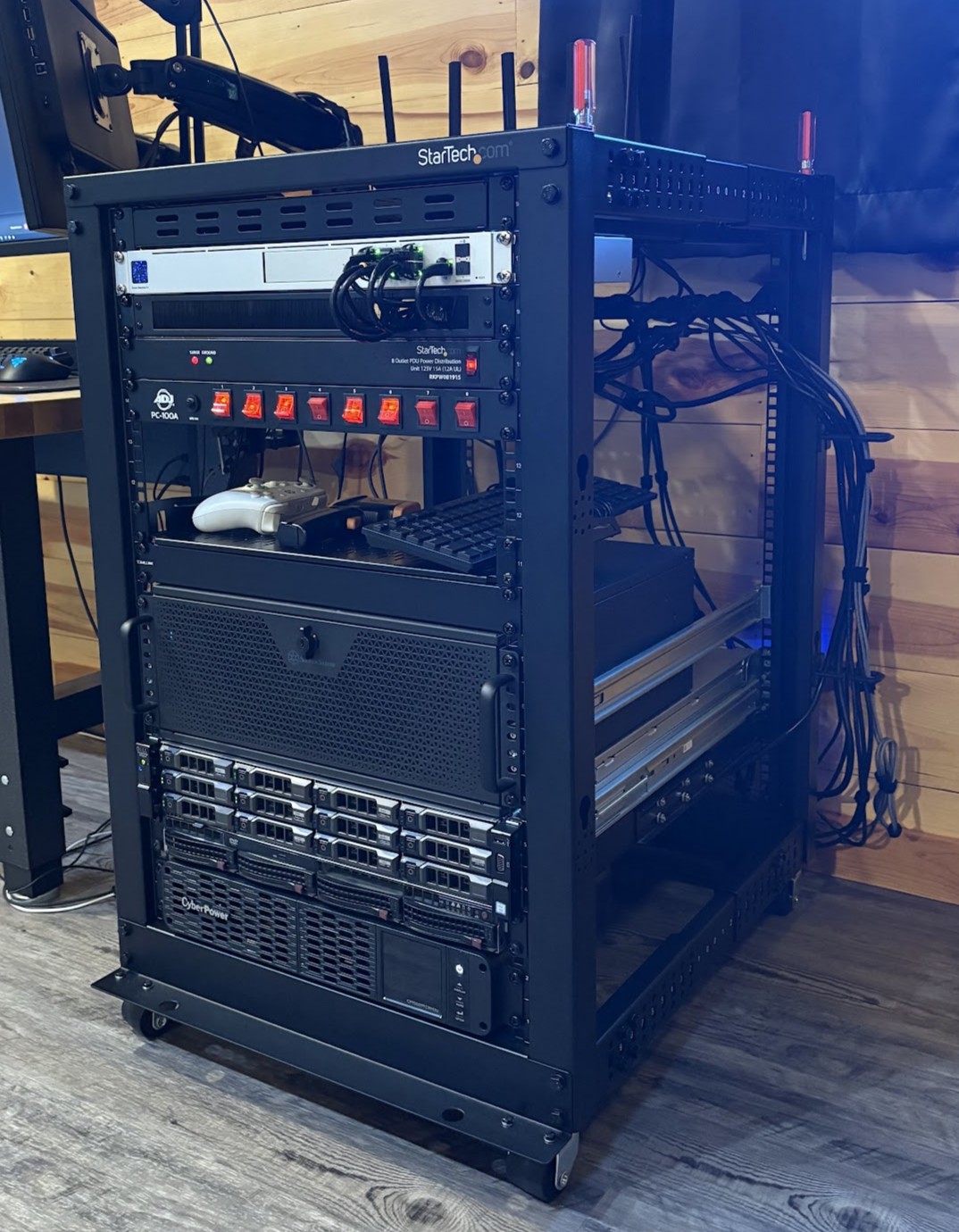
I started my homelab over 2 years ago with a Raspberry Pi 5 running Ubuntu and 2 external 5TB drives. From there I bought an 8U StarTech rack and Dream Machine Pro. The 8U rack was quickly filled and about a year later I upgraded to an 18U rack which is currently what I’m running with.
Quick Links: PDU Toggle Switch Layout
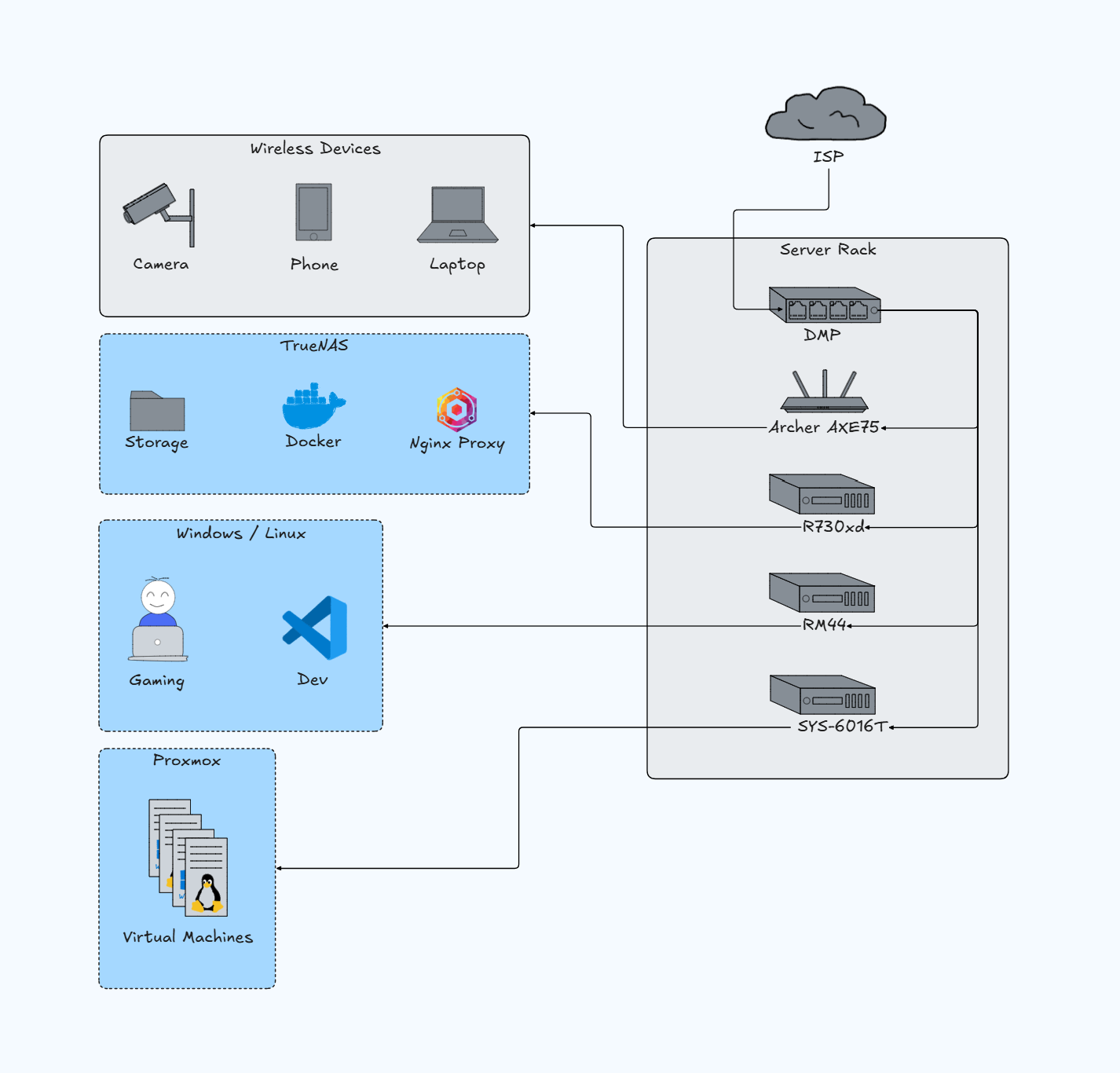
Hardware Overview
Infrastructure
18U StarTech Server Rack (Amazon)
ADJ 8 Outlet Toggle Switch PDU (Amazon)
8 Outlet StarTech PDU (Amazon)
CyberPower UPS (Amazon)
Network
Compute
Dell PowerEdge R730XD - TrueNAS server
Supermicro SYS-6016T-NTF - Proxmox VM host
Silverstone RM44 Chassis - Gaming/Dev machine
Ubiquiti Dream Machine Pro
Network gateway with Teleport for remote access. Handles DNS, ad-blocking, region filtering, firewall, network analytics, and camera recording/storage.
Silverstone RM44 Chassis
Windows 11 and Pop!_OS Gaming/Dev Machine
Components
AMD Ryzen 7 5800X
NVIDIA RTX 3080Ti
128GB DDR4
Dell PowerEdge R730XD
Primary TrueNAS Server
My workhorse running TrueNAS for storage and Docker app deployment.
Components
2x Xeon E5-2660 v4 @ 2.00GHz (56 cores total)
128GB DDR4 ECC
32TB usable (RaidZ2)
Docker Apps
Deployed
Excalidraw - Whiteboard for brainstorming
WeTTY - Web-based terminal with NeoVim for remote development
Linkding - Bookmark manager with custom CSS support
FileBrowser - Multi-user web-based file storage
Ollama - Local LLM hosting
Open WebUI - Interface for Ollama models
Meshtastic - Meshtastic device client
Plex - Local media streaming
MakeMKV - Media ripping (docker image)
Nginx Proxy Manager - Reverse proxy for local subdomain routing
Dell Fan Controller - Custom fan curves for non-Dell hardware compatibility
Planned Additions
Supermicro SYS-6016T-NTF
Proxmox VM Host
Older 1U server running Proxmox for virtualization. Handles development VMs and services that don’t need to run 24/7.
️Virtual Machines
Ubuntu - General testing & Debian-based app builds
Fedora - Non-Debian Linux builds
Windows 11 - Multiplayer client testing for Rust game/editor
MacOS Sierra - Mac app builds
Ubuntu - Minecraft server
TrueNAS - Testing deployment
OpenMandriva - Experimentation
Media
Rack Photos
Current 18U Setup
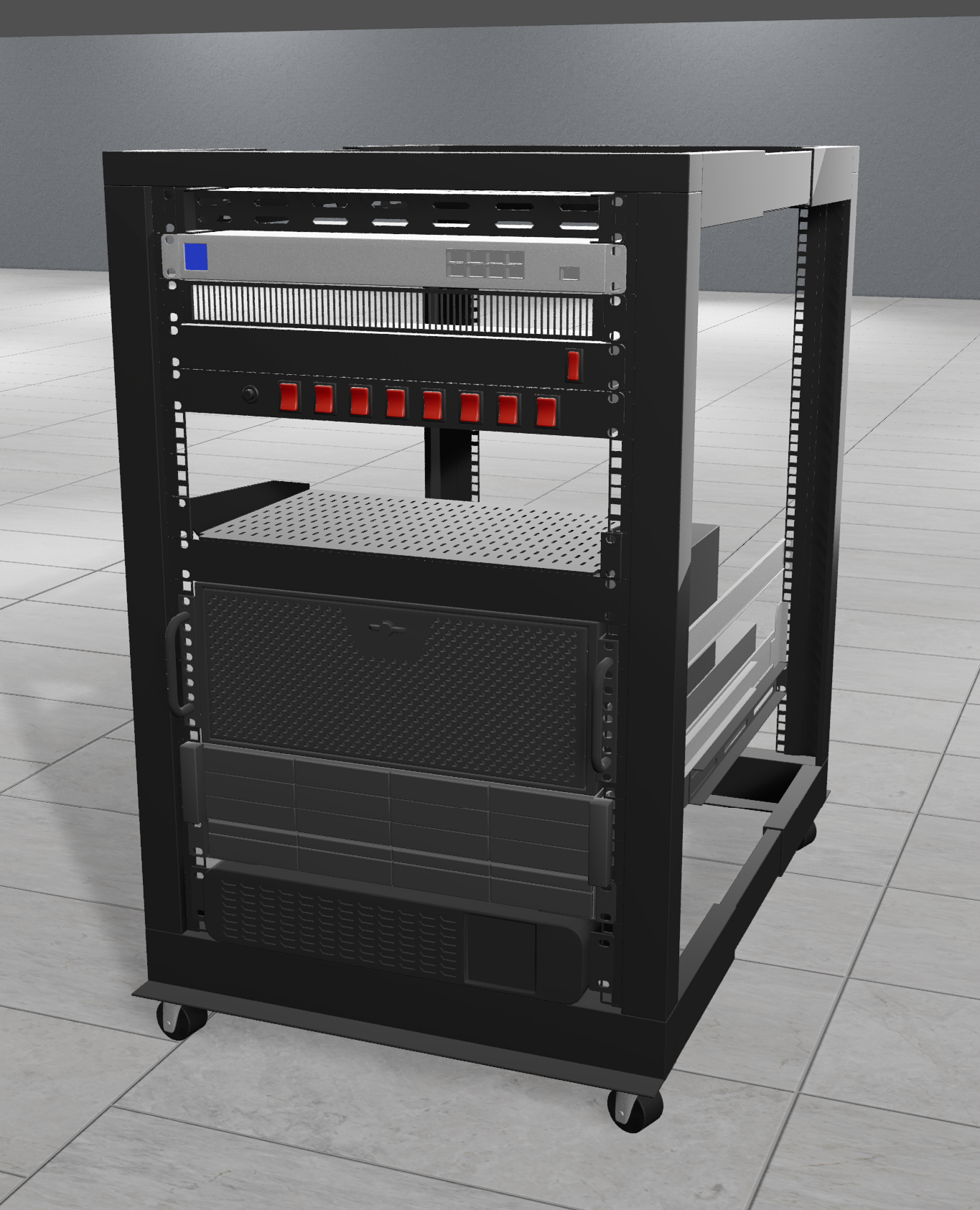
Laid out in RackViz
Original 8U Setup